Open the original
Choose a JPG, PNG or WebP. The file stays on your device. The source file size appears beside the calculated export size.
Choose JPG or WebP and adjust quality. Compare the actual download size before saving.
Drop a photo here, or choose one below.
JPG, PNG, WebP · Up to 20 MB / 24 MPYour images stay in your browser.
Image compression changes how a picture is encoded. It can reduce download weight without changing the pixel dimensions. JPG and WebP quality settings trade some image detail for smaller files; PNG is available when lossless output or transparency matters.
Choose a JPG, PNG or WebP. The file stays on your device. The source file size appears beside the calculated export size.
Try WebP for modern web use or JPG for broad compatibility. Lower quality gradually, then use “Estimate size” to encode a real output and report its size.
A smaller number means fewer bytes, not better visual quality. Download and inspect important text or fine detail. If the result is still large, use the resizer to reduce its pixel dimensions.
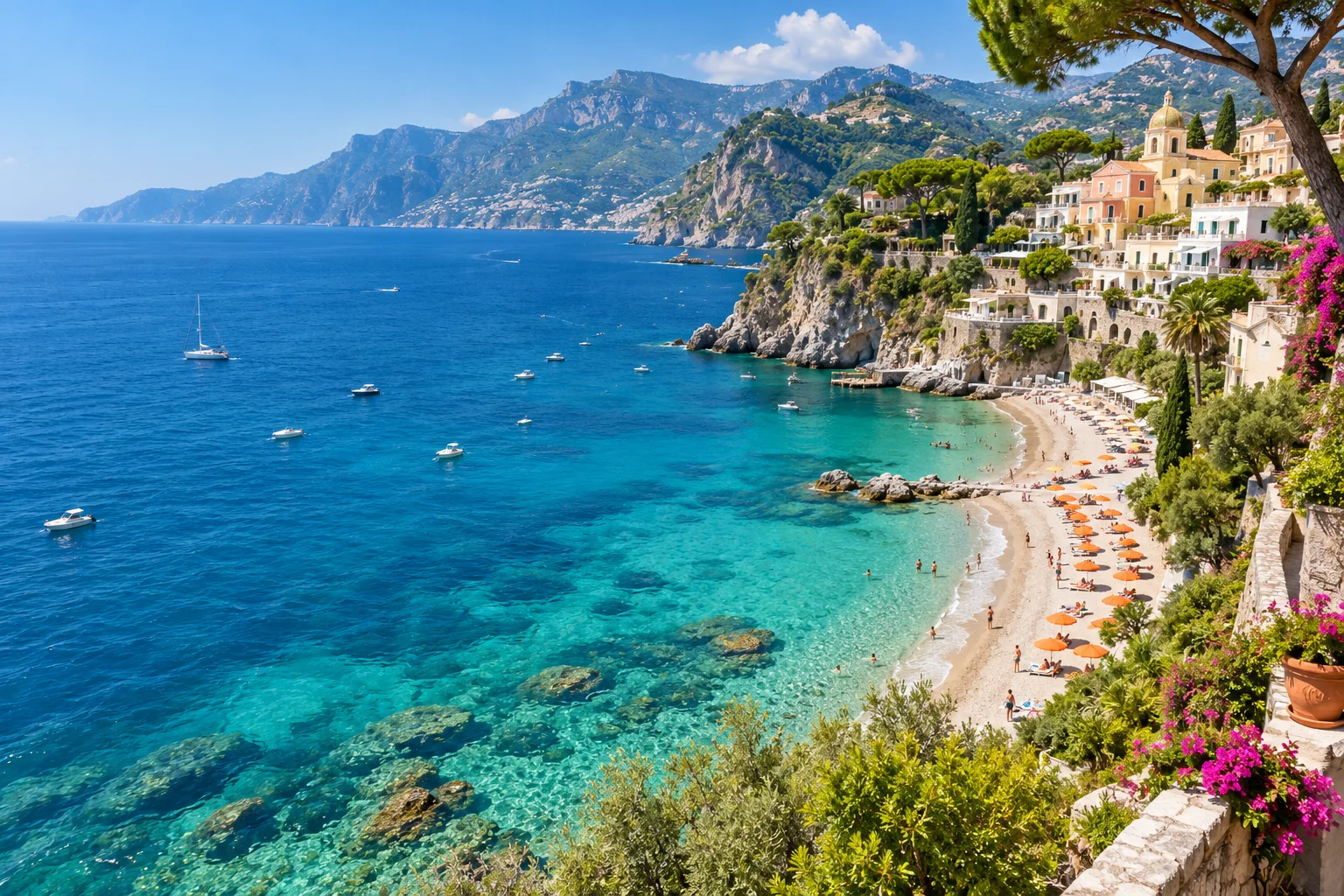 Original
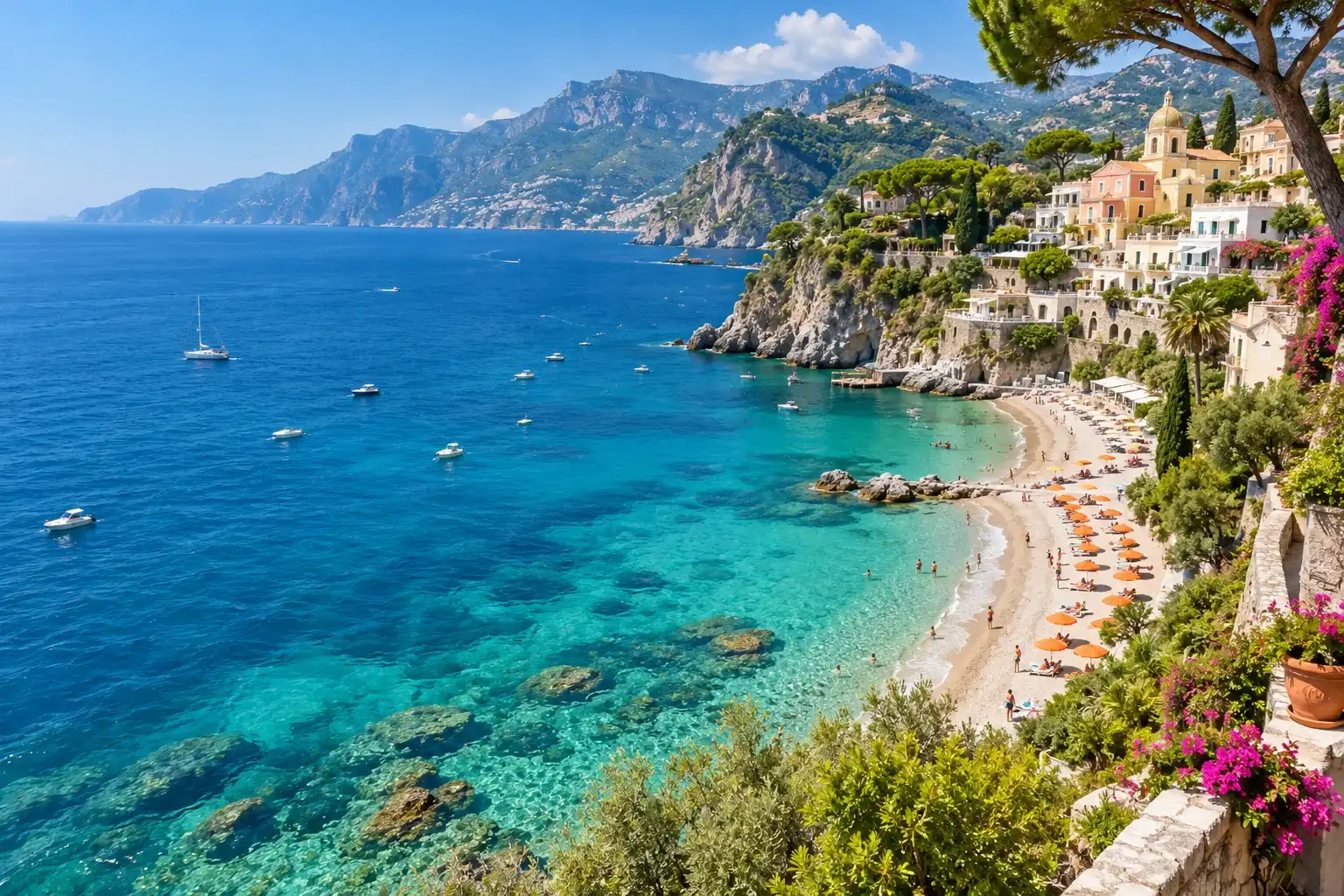 Compression example
Use this for email attachments, portfolio photos and web images. This version does not automatically hit targets such as 100 KB or 500 KB, batch-compress files, or optimize PNG with a specialist lossless codec. Do not rely on a filename alone to judge compression.
Your source may already be efficiently compressed. Re-encoding it at higher quality, or changing it to PNG, can increase its size. Compare the displayed source and output sizes; lower quality or try a different format.
Not automatically in this version. Adjust quality and check the actual size. If needed, resize the image first. There is no guaranteed target-size mode.
PNG and WebP can preserve transparency. JPG cannot; transparent pixels are filled with white.
No. The browser PNG encoder does not use this quality setting, so it is hidden for PNG.